Backup247 for Zoho CRM
Automatic backups for your whole Zoho CRM
Zoho keeps the CRM running, but a bulk update, a bad import or a deleted record is your responsibility. Backup247 backs up every module, note and attachment and restores records as new, tagged entries, without touching anything existing.
No credit card · 14-day free trial · Cancel anytime
What you get
CRM backup without the hassle
Every module and record
Standard and custom modules with all fields, including lookups, owners, subforms and multi-select values.
Notes and attachments
Notes stay with their record and files attached to records are saved. Files already in an earlier backup are not downloaded again.
Safe restores
Records come back as new, tagged entries in the same organization. Existing records are never changed and workflows are not triggered.
Setup in under 2 minutes
How it works
- 01
Sign in with Zoho
Use a Zoho CRM account with the Administrator profile. Every Zoho data center is supported.
- 02
Approve access
Zoho lists what Backup247 may access. Click Accept. You do not register an app yourself.
- 03
Choose what to back up
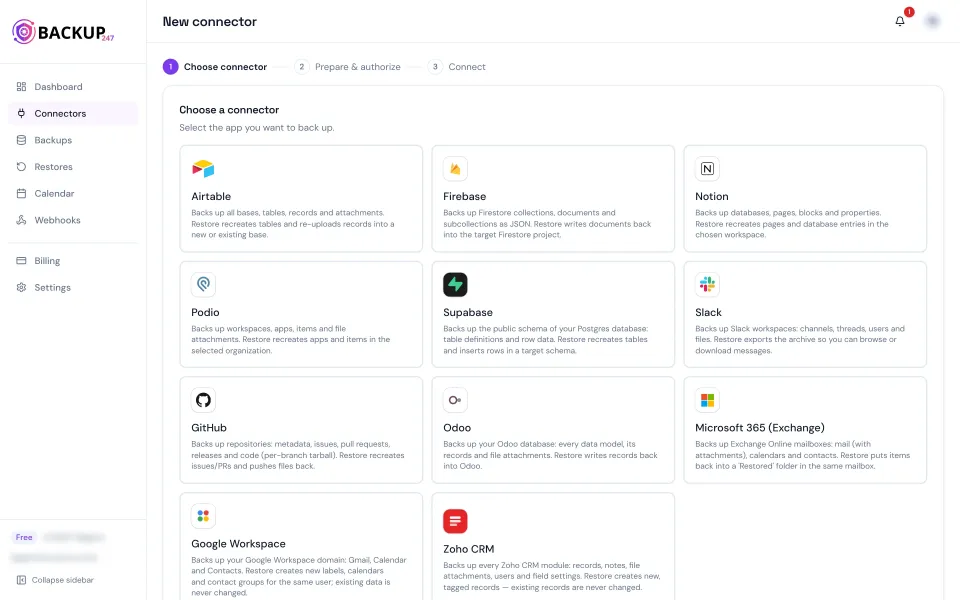
Pick Whole CRM or individual modules, with daily backups and retention up to 365 days.
- 04
Browse, download or restore
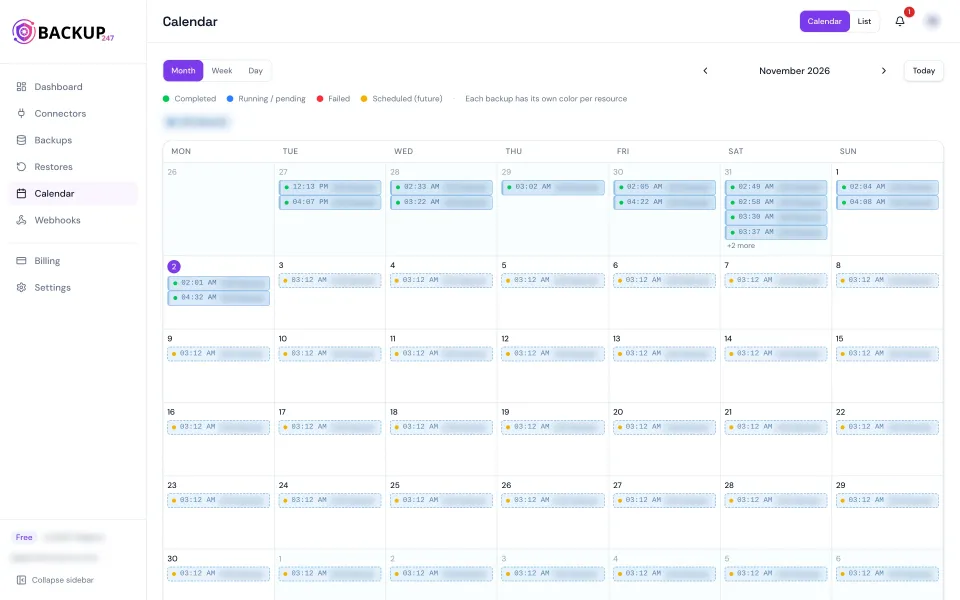
Search any snapshot per module, download it as a ZIP with JSON and CSV, or restore a single record or whole modules.
What's included
Everything in your Zoho CRM backup
- Every supported module, standard and custom
- All fields, lookups, subforms and multi-select values
- Notes and record attachments
- Field definitions, layouts, tags, users and roles
- ZIP export with JSON and CSV per module
- Revoke access anytime in Zoho Accounts
Why teams back up Zoho CRM
Your CRM deserves its own backup
Zoho keeps the service available, but it does not give you a simple way to roll back one module or one record to last week. A mass update, an import with the wrong mapping or an integration that overwrites fields can change thousands of records in minutes.
Backup247 connects through the official Zoho CRM API with one approval by an administrator. Whole CRM is one backup containing every module, so links between records, such as a Deal's Account and Contact, stay together for a later restore.
Restores are always additive: records come back as new entries with a restore tag, links between them are re-created, and nothing that exists today is overwritten.
Mass update gone wrong
A bulk edit overwrites a field across thousands of records. Look up the old values in last night's snapshot.
Accidental deletion
Someone deletes accounts or deals. Restore them as new, tagged records with their links.
Bad import or sync
An import or integration writes wrong data. Compare with an earlier backup and put back what you need.
Independent copy
Keep a copy of your customer data outside Zoho, encrypted and stored in the EU.
Security & compliance
FAQ
Frequently asked questions about Zoho CRM backups
Who can connect Zoho CRM?+
A Zoho CRM user with the Administrator profile. They sign in with Zoho and approve access once; it works with every Zoho data center.
What is backed up?+
Every supported module, standard and custom, with all fields, plus notes, record attachments, field definitions, layouts, tags, users, roles and profile names.
What is not backed up?+
Emails, reports, dashboards, workflows and other automation, and Zoho apps outside CRM.
How does restore work?+
Records come back into the same Zoho CRM organization as new records with a restore tag. Existing records are never changed and workflows are not triggered.
Does it use my Zoho API credits?+
Yes, every API call counts towards your organization's daily limit. When the limit is reached the backup pauses and continues after the daily reset.
Where is my data stored?+
Encrypted at rest in the EU (Frankfurt), with retention you control up to 365 days.
Start backing up Zoho CRM today
Connect your organization in under 2 minutes and get your first snapshot within the hour.